Students who have enrolled after 9/1/2025 need to use the following steps to log in to Naviance:
- Site: https://student.naviance.com/riverview.
- Choose Student.
- Username: [student ID #]
- Password: [request from Guidance or IT]
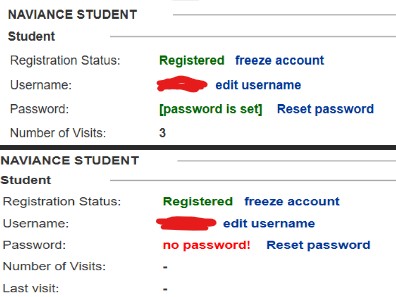
Guidance may reset the student's password by viewing the account in Naviance. Click on Reset password.
- Access Naviance at https://id.naviance.com/.
- Find the student within the appropriate school.
- Click Reset password.