I encourage you to take some of the training to get the full benefits:https://learn.securly.com/video-library?product=Classroom&role=Teacher
Quick Start Guide:
- Go to https://org10364.deviceconsole.securly.com/classroom.
- Use Sign in with Microsoft Azure AD.
- The next screen should be your classes.
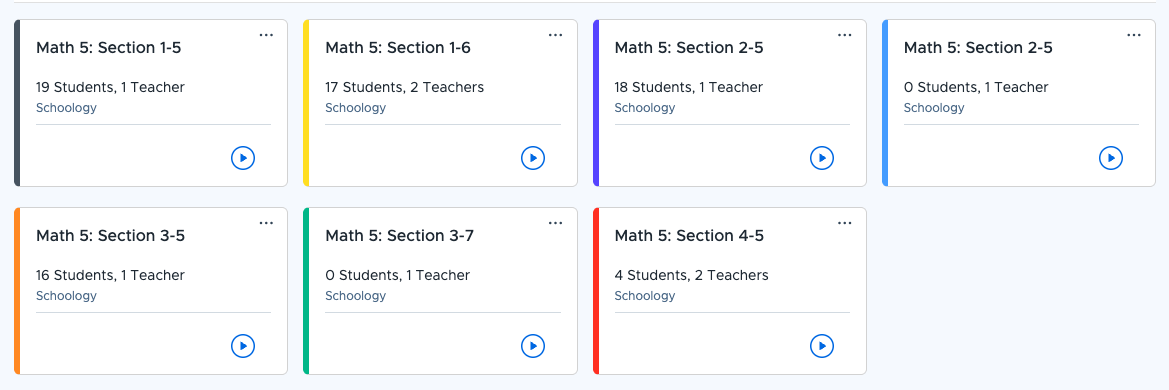
- Choose the start button for the class.

- You will set the end time for class. You’ll see extra options (I highly recommend watching the training videos to set those up) but this will get you in. Also, you can remove students who may not be in the class.
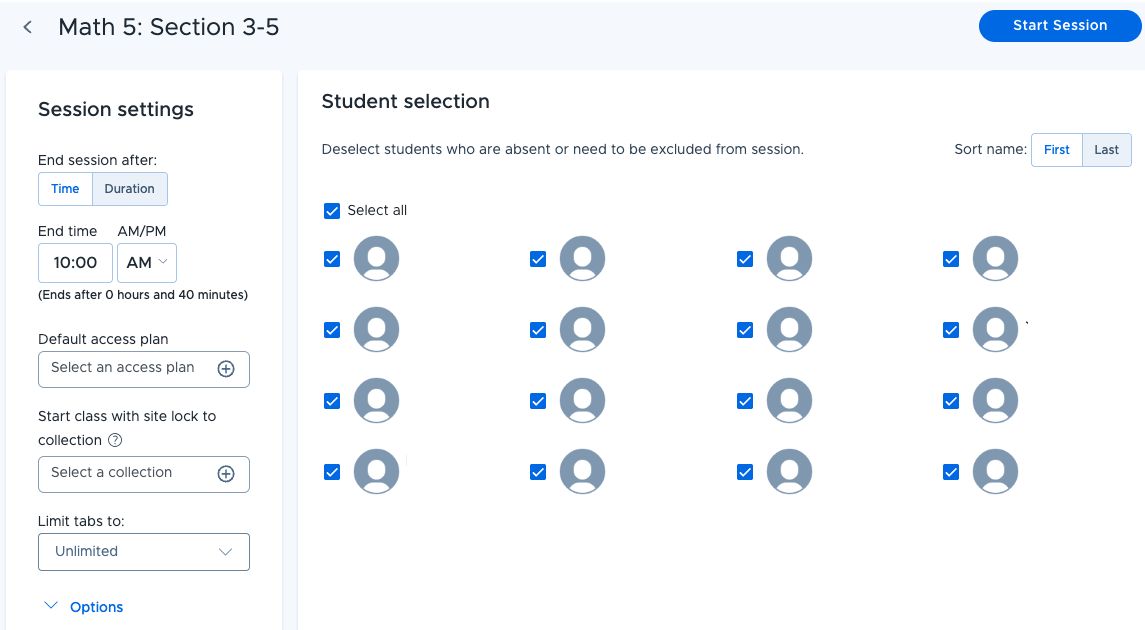
- Click Start Session.
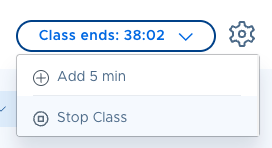
- Use the tools at the top to control the class.

- To end class, use the top right class ends option.
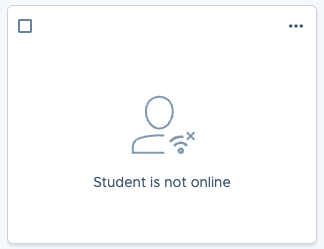
If the device doesn't have it installed, yet, you may see “Student is not online.”
If they are using their device, you will see a thumbnail: